
















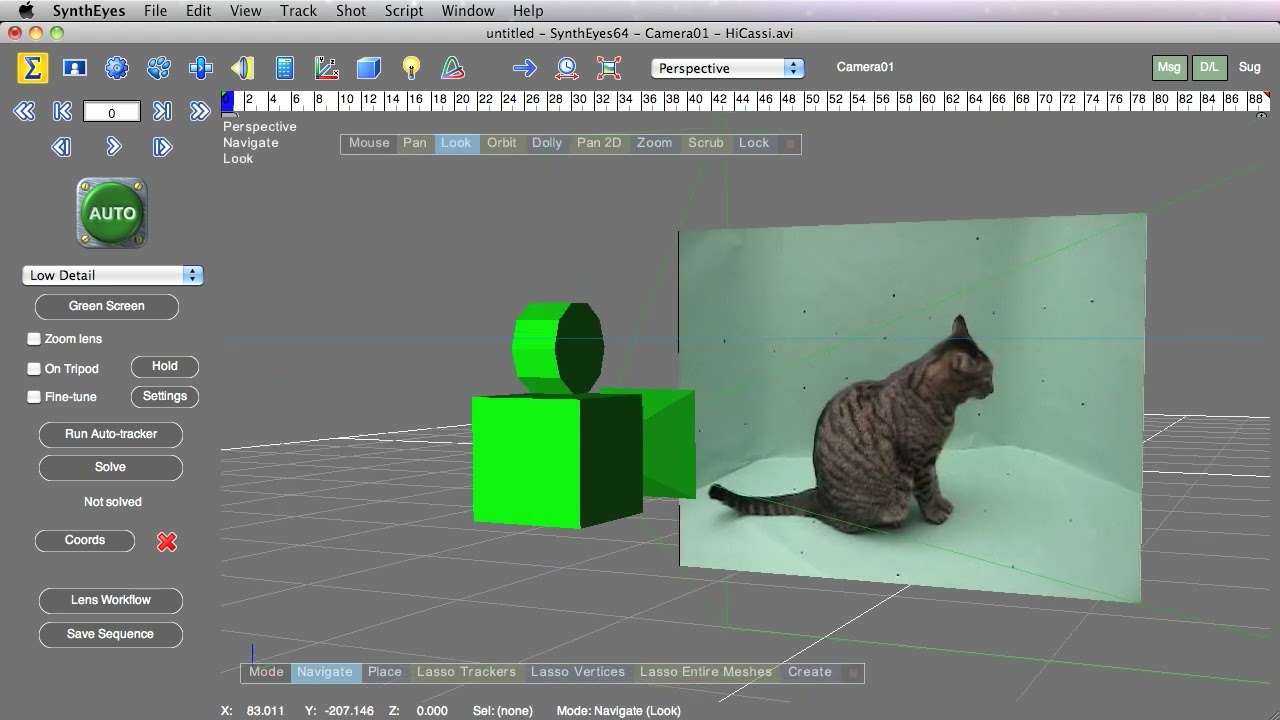
The projection screen generator creates physical geometry in the scene to hold a background image, which can make some setup and scene-building tasks easier — especially for green-screen shots. For green screen shots, SynthEyes can leave the keyed portion of the image transparent. This works for internally-keyed shots, or for shots with externally-generated alpha channels.
Subscribe to our newsletter
Get all the latest news, blog posts and product updates from Boris FX, delivered directly to your inbox.
Welcome!
Thanks for opting-in to our newsletter. You'll receive an email momentarily with your confirmation.
