
















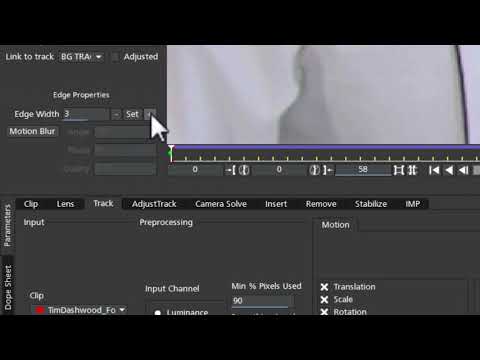
In this short and clear video tutorial, Mary Poplin goes over the basics of
removing and unwanted object with Mocha Pro. Only 1 clean frame is painted
in Adobe Photoshop and than Mocha Pro’s Planar Tracking and Remove Module
does the hard work of matching the perspective and lighting. This technique is
a huge time saver for artists and editors that need to fix footage and remove
unwanted objects from a shot.
removing and unwanted object with Mocha Pro. Only 1 clean frame is painted
in Adobe Photoshop and than Mocha Pro’s Planar Tracking and Remove Module
does the hard work of matching the perspective and lighting. This technique is
a huge time saver for artists and editors that need to fix footage and remove
unwanted objects from a shot.
Subscribe to our newsletter
Get all the latest news, blog posts and product updates from Boris FX, delivered directly to your inbox.
Welcome!
Thanks for opting-in to our newsletter. You'll receive an email momentarily with your confirmation.
