
















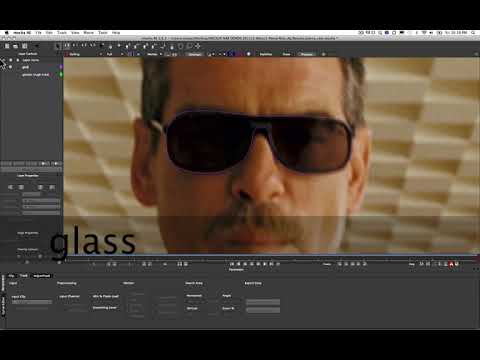
In this short and sweet tutorial, Mary Poplin shows Mocha and After Effects
users how to paste Mocha roto shapes into AE’s mask channel. This is a feature
that has been available in AE CS5 and CS5.5 that some of our users might not
have known about. Please note, you can not paste Mocha masks as splines in AE
CS4, but you can post Mocha via the Mocha shape plug-in in all versions of AE.
users how to paste Mocha roto shapes into AE’s mask channel. This is a feature
that has been available in AE CS5 and CS5.5 that some of our users might not
have known about. Please note, you can not paste Mocha masks as splines in AE
CS4, but you can post Mocha via the Mocha shape plug-in in all versions of AE.
Subscribe to our newsletter
Get all the latest news, blog posts and product updates from Boris FX, delivered directly to your inbox.
Welcome!
Thanks for opting-in to our newsletter. You'll receive an email momentarily with your confirmation.
