
















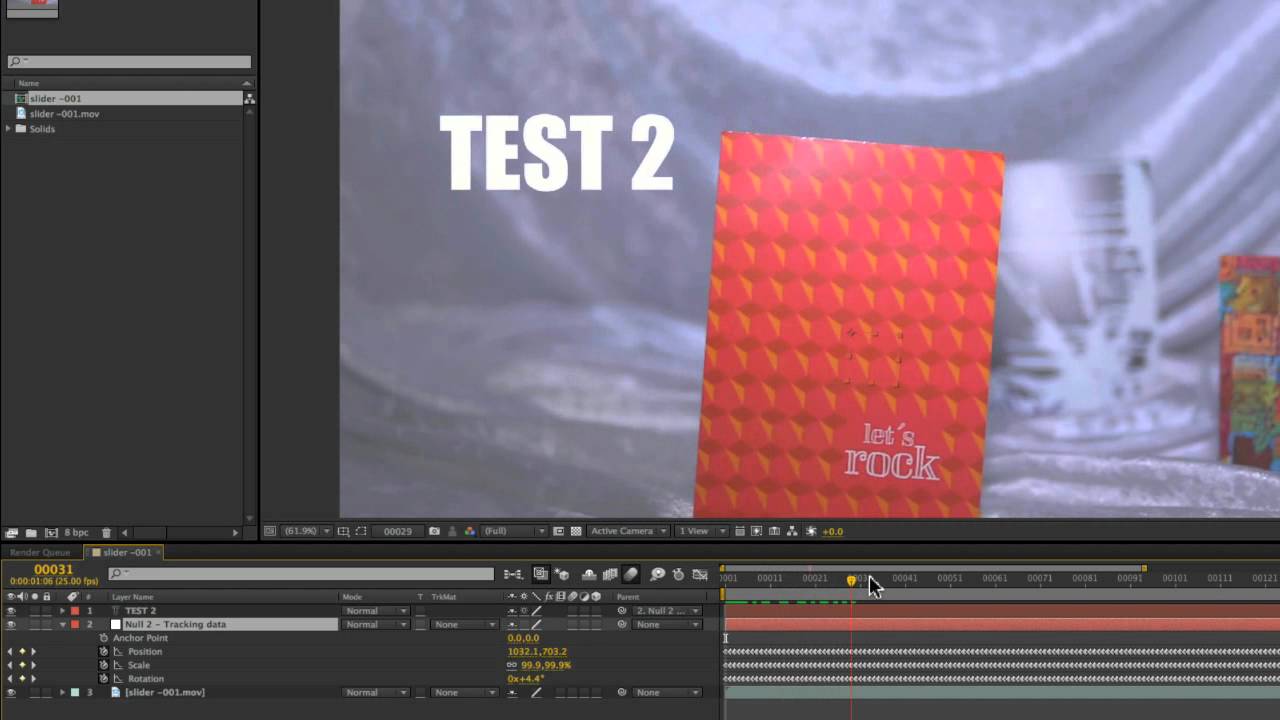
What you’ll learn:
- Export tracking data to After Effects
- Easily offset tracking data
- Take tracking data directly into Boris Continuum Complete filters
This tutorial shows how to take the tracked footage in Mocha and use that
data in After Effects. We start with a simple match move. Then see how to get
more flexibility through the smart use of Null objects and parenting. Finally
we look at importing the same data directly into a Boris Continuum Complete
lens flare plug-in.
Subscribe to our newsletter
Get all the latest news, blog posts and product updates from Boris FX, delivered directly to your inbox.
Welcome!
Thanks for opting-in to our newsletter. You'll receive an email momentarily with your confirmation.
