
















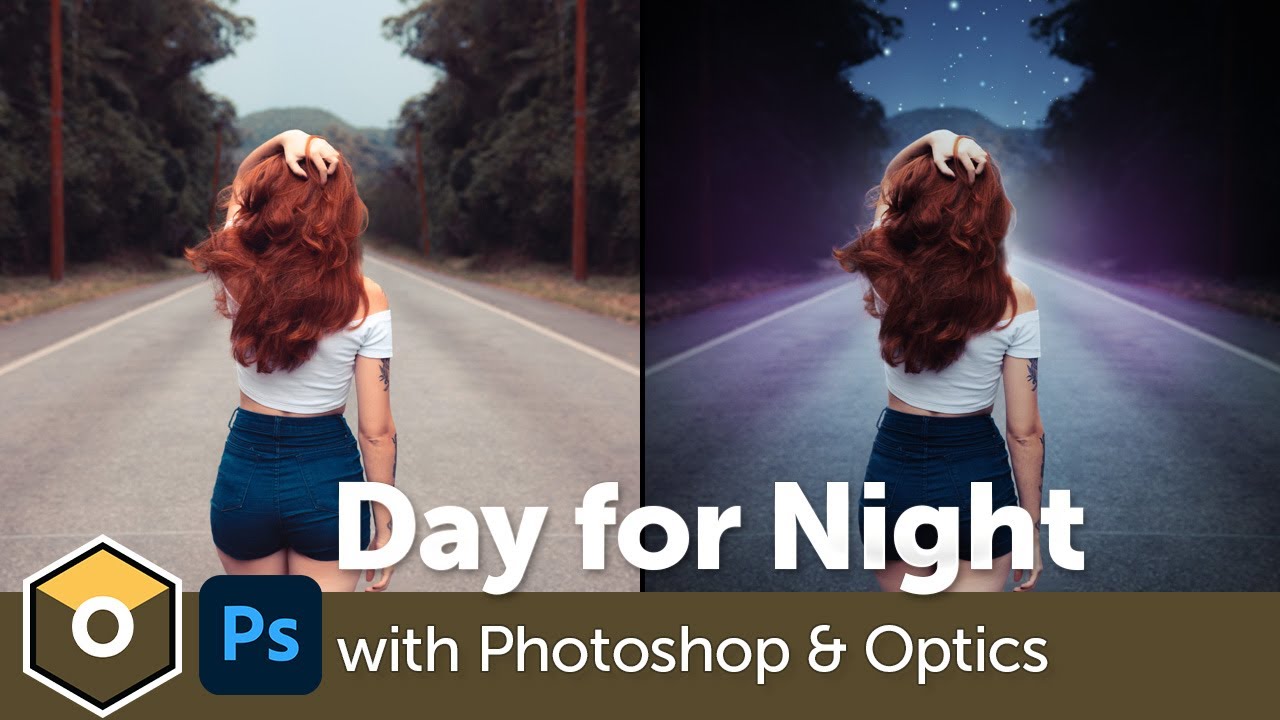
Learn how to transform your daytime photos into sleek night looks using Optics inside Photoshop. Ben Brownlee shows how to create this common visual effect with color correction, custom gradients, and lens flares. Plus using EZ Mask to create complex masks in no time!
Subscribe to our newsletter
Get all the latest news, blog posts and product updates from Boris FX, delivered directly to your inbox.
Welcome!
Thanks for opting-in to our newsletter. You'll receive an email momentarily with your confirmation.
