
















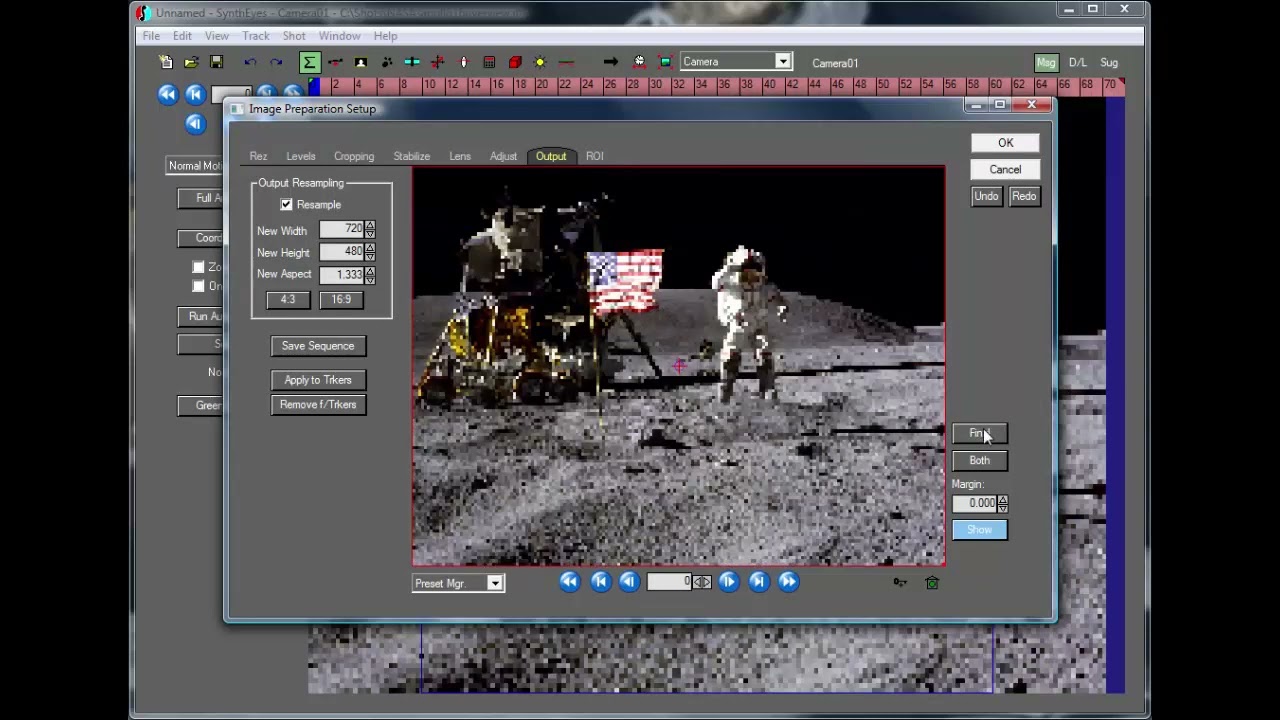
You can use the image preprocessor to create motion from stills, the “Ken Burns” effect. This tutorial shows a simple example of that. Doing it in SynthEyes is different than doing a 2D image zoom and pan, because, with the proper lens field of view, it is recalculating the correct perspective shift, as if the camera was on a tripod, instead of the 2-D image-being-slid-around look.
Subscribe to our newsletter
Get all the latest news, blog posts and product updates from Boris FX, delivered directly to your inbox.
Welcome!
Thanks for opting-in to our newsletter. You'll receive an email momentarily with your confirmation.
