
















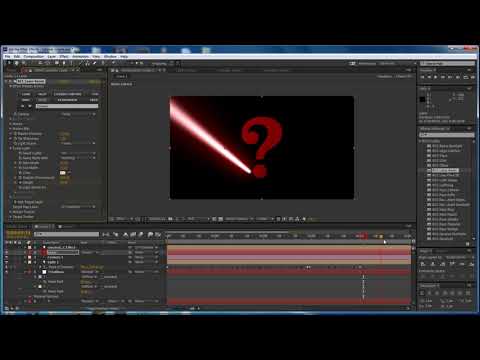
Paul Ezzy introduces you to BCC Laser Beam - new to BCC 9 . In this tutorial, learn how to use BCC Laser Beam to create a quick and easy write-on in Adobe After Effects that uses AE’s built-in cameras and lights to drive the effect. Plus, manipulate BCC Laser Beam’s parameters, including: light strobe, motion blur, smoke, and target layer. Download Project File.
Filters Used Include: BCC Laser Beam
Featured Units: Lights
Subscribe to our newsletter
Get all the latest news, blog posts and product updates from Boris FX, delivered directly to your inbox.
Welcome!
Thanks for opting-in to our newsletter. You'll receive an email momentarily with your confirmation.
