
















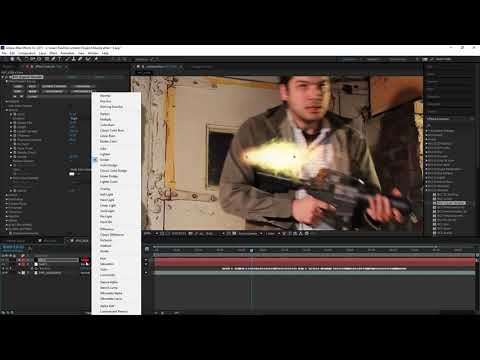
Paul Ezzy shows Continuum Complete users how to create a realistic muzzle
flash effect with smoke inside After Effects. Filters used: Organic Strands,
Particle Emitter, Brightness & Contrast, and Vector Blur.
[Download the free presets.](https://d1rz3ijuaj8bbs.cloudfront.net/wp-
content/uploads/2016/04/06143209/BCCPresets10.zip)
Subscribe to our newsletter
Get all the latest news, blog posts and product updates from Boris FX, delivered directly to your inbox.
Welcome!
Thanks for opting-in to our newsletter. You'll receive an email momentarily with your confirmation.
