

















< Previous | Contents | Manuals Home | Boris FX | Next >
Add Many Trackers Dialog
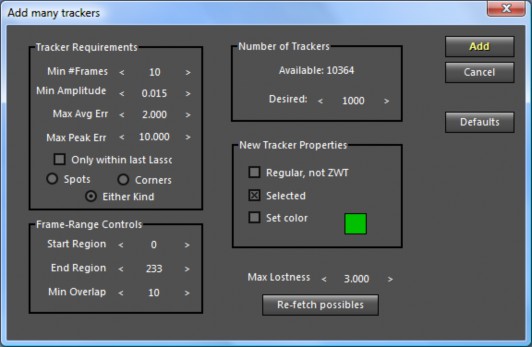
This dialog, launched from the Trackers menu, allows you to add many more trackers— after you have successfully auto-tracked and solved the shot. Use it to improve accuracy in a problematic area of the shot, or to produce additional trackers to use as vertices for a tracker mesh. This dialog can work directly on (already-solved) 360 VR shots.
Note: it may take several seconds between launching the dialog and its appearance. During this time your processors will be very busy.
©2026 Boris FX, Inc. — UNOFFICIAL — Converted from original PDF.
