 Marco Sebastiano Alessi |
January 16, 2026
Marco Sebastiano Alessi |
January 16, 2026


Ever heard of surround sound, spatial audio, channel-based, or object-based audio mixing? Mixing for immersive audio can raise many questions and confusion, given the many names, techniques, and approaches for creating, mixing, and mastering 3D audio.
Today, we’ll discuss what object-based audio is, how it works, and its key differences and advantages compared to channel-based audio. If you’re curious about mixing for 3D and immersive sound with Dolby Atmos, read til the end to find out the tools that you can use for object-based audio. We’ll also look into Samplitude’s and Sequoia’s object-based editing key feature to streamline your creative process.
Let's dive in!
What Is Object-Based Audio?
Object-based audio is a sound technique that separates single sounds (such as wind or dialogue) from the final mix and includes information that identifies their position, motion, and other sonic features in 3D space.
Object-based audio is an advanced audio mixing and rendering technique that creates more immersive 3D sound for movies and music, improving the audience's listening experience regardless of the audio system they use. Object-based audio can deliver the same level of immersion on high-end audio equipment as on your old stereo setup, TV, or headphones.
The reason object-based audio can render its output to virtually any audio system is that, unlike traditional channel-based audio, it is not mixed for a specific playback setup or number of speakers. It adds metadata to each sound and treats each sound as an independent audio object. It is the audio system that translates that metadata and mixes it according to the number of speakers available.
When you are working with object-based audio, you are working with two main things: audio clips for each of your sounds, and metadata, which is a bunch of information added to the sound, such as its position in a 3D space (with X, Y, and Z coordinates), its movement over time, size, and volume among other things.
The formats that support object-based audio are Dolby Atmos, DTS:X, MPEG-H, and Auro 3D, with Dolby Atmos being the most popular, to the point of being almost a synonym of 3D audio and immersive experience. However, more and more formats are adopting the object-based audio principles, such as Apple Spatial Audio and Sony 360 Reality Audio.
Now, let’s see how exactly object-based audio works.
How Object-Based Audio Works
With object-based audio, you don’t mix audio clips to specific channels. You work with audio objects (mono audio such as dialogue, sound effects, individual instruments, etc.) and leave the channels independently, only providing “directions” on how each audio clip should behave. So, how is it done?
First, you need a digital audio workstation (DAW) that supports object-based audio mixing. You will usually see it as Dolby Atmos or DTS support. Among the DAWs that support object-based audio mixing are Steinberg Cubase, Pro Tools, Logic Pro, Studio One, and Boris FX professional audio production software like Samplitude and Sequoia.
With object-based audio mixing, your audio clip sources are treated as objects. In your supported DAW, you can place these objects inside a 3D space wherever you want (left, right, back, front, center, above, etc.), with the corresponding metadata of the X, Y, and Z coordinates within the object. Inside that three-dimensional space, objects can have other metadata embedded, such as their movement, size, and volume over time.
Imagine you have a storm scene. You would have something like thunder, wind, rain, and ambient sounds. To create that immersive sound experience, you add them as objects to the three-dimensional space and place the thunder above and to the back, the wind on the front, moving from left to right or back to the front, the rain falling in other directions, and the ambient effects around the space.
Once you arrange all the objects and add their metadata, the audio is exported using an object-based renderer, such as the Dolby Atmos renderer, which combines all the audio files for each object plus their metadata to create the master file.
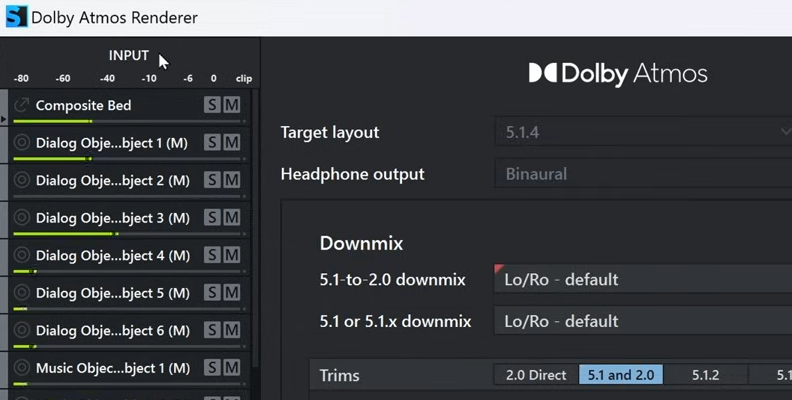
Formats like Dolby Atmos also support channel-based audio, so you can also mix remaining sounds for 5.1, 7.1, or stereo, and the renderer will combine them with the audio objects and metadata when exporting the master file.
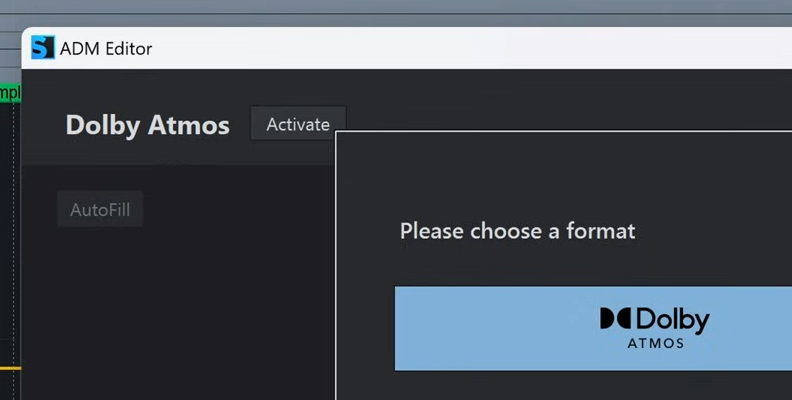
The last step is playing the audio. The playback system mixes and renders the objects to its speakers' configuration by reading the metadata and calculating the gain, frequency, and delay for each speaker to recreate the intended 3D position of the audio objects.
Object-Based Audio vs Channel-Based Audio
I have mentioned how the principles of object-based audio differ from channel-based audio mixing. The key difference arises during the mixing phase.
Channel-Based Audio
With channel-based audio, the audio engineer mixes the sound to a fixed number of audio channels. Each sound goes into a specific speaker channel (left, right, front, surround, etc.). During playback, the audio is sent to the assigned speaker.
Object-Based Audio
With object-based audio, the audio is mixed as independent objects with 3D coordinates and assigned metadata. During playback, the renderer in the audio system uses metadata within each object to determine how to play the sound and where to send it using the available speakers. It could be distributed to a pair of headphones, a home theater, or dozens of speakers.
Benefits
These are the main benefits of using object-based audio over channel-based audio:
- Adaptability: You can play the same audio track on any speaker configuration, whether you're watching on a tablet with the built-in speakers, headphones, your TV with a soundbar, or a home theater setup. The sound will play correctly on any system, so you can take your audio and enjoy it anywhere.
- Immersive 3D Sound: Object-based audio includes a z-axis coordinate for height, allowing you to place sound anywhere overhead. It is not limited to the horizontal plane, as with channel-based audio, allowing for a more realistic sonic experience that places the listener at the center of the action.
- Accuracy: The sound designer has greater control and accuracy in placing and moving each sound to a specific location within the 3D room.
- Personalization and user control: Depending on the format, the user can adjust the volume of specific audio objects. For example, to enhance dialogue, audio commentaries, sound effects, and alternate languages.
What is Object-Based Editing in Samplitude & Sequoia

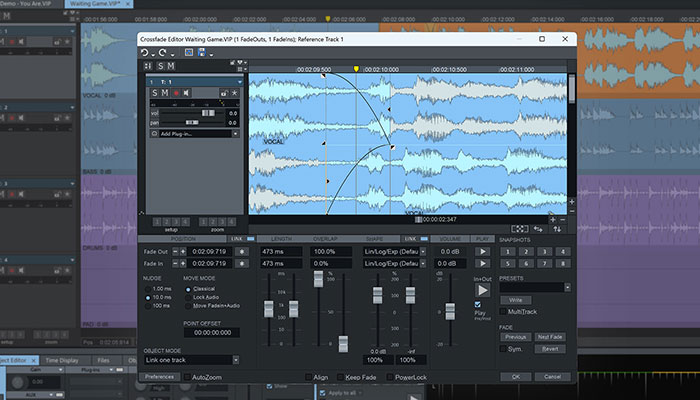
Object-based editing is a unique feature in Boris FX Samplitude and Sequoia that lets you edit small parts of a track with full control, without creating a separate track to add plugins and effects. In a traditional DAW, the editing is done at the track level, where adding an effect or making volume or pan adjustments affects the entire audio track.
Object-based editing offers granular control to break a track into small audio clips (objects), allowing each one to be treated differently. For example, to add a de-esser to a single word on a vocal track, or combine different time stretches on the same track, or to add effects like EQ, compression, or reverb to a specific note on an instrument.
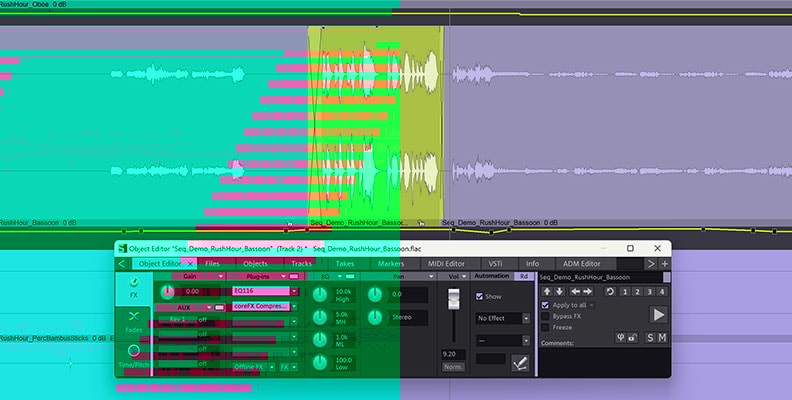
To use object-based editing, simply divide the part of the track you want to control independently. Select the audio clip and open the object editor. Inside the object editor, it's like a mini mixer with volume and panning, fades, time-stretching, plugin effects, and aux sends.
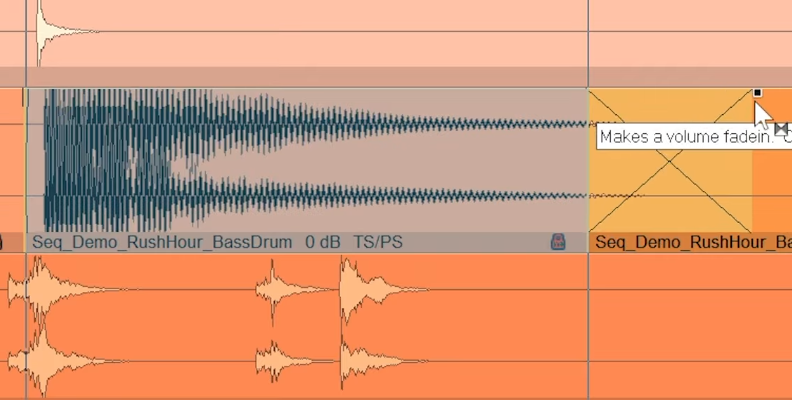
Object-based editing is a non-destructive process that happens in real time. No need to bounce or render clips to listen to the changes, and everything stays synchronized with your project.
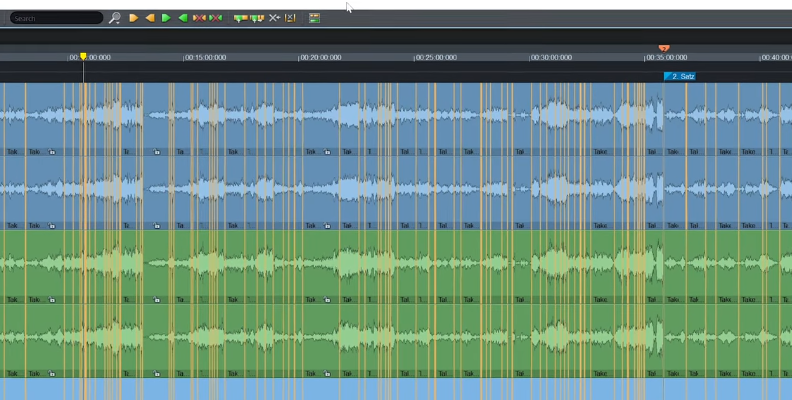
With Samplitude’s and Sequoia’s object-based editing, you get to work with both options: at the track and object level. It provides more flexibility without interrupting your creative process.
Final Words
To summarize, object-based audio creates metadata that's "inserted" into your audio clips to describe what each sound is doing over time. Then, the playback device renders that information and mixes it to the available speakers. And voila! You are listening to 3D immersive audio, available with any speaker configuration.
Remember that to create 3D sound and mix object-based audio, you need a DAW that supports it, such as one with native Dolby Atmos support. You can download a free trial of our professional DAWs, Samplitude or Sequoia, to experience their unique object-based editing and audio mixing on your own.
Have fun!
FAQ
Is Dolby Atmos Object-Based Audio?
Yes, Dolby Atmos is one of the most popular formats that uses object-based audio. It supports up to 128 sounds in the mix, which can be used as objects to add position and movement data. Also, Dolby Atmos supports channel-based mixing, offering a hybrid approach with both object-based and channel-based audio, making it a very flexible format.